Title here
Summary here


This will be the main currency you will use.
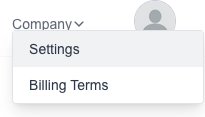
Goto the Settings page which is under the “Company” menu:
Click on the “Currency Setting” menu on the left.
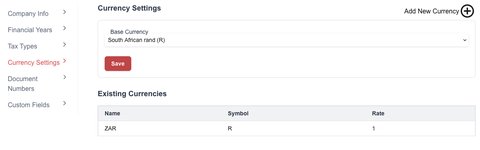
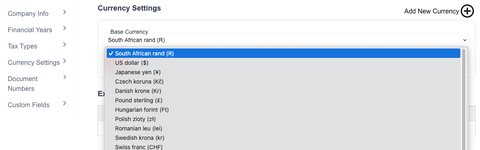
Use the “Drop Down” input to select a currency.
Click on the “Save” button to save your selection
Goto the Settings page which is under the “Company” menu:
Click on the “Currency Setting” menu on the left.
Click on the “New Currency” button:

The new currency form will appear for you to fill in the desired information:
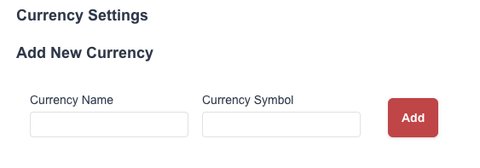
Click on the “Save” button to save your currency
Once you have added your currency, you can select it as the base currency seen in the previous “How To Edit The Base Currency?” section